> For the complete documentation index, see [llms.txt](https://docs.atlas.design/llms.txt). Markdown versions of documentation pages are available by appending `.md` to page URLs; this page is available as [Markdown](https://docs.atlas.design/atlas-ai-studio-overview/node-index/input-nodes.md).
# Input Nodes
Input nodes bring images, text, meshes, audio, video, PDFs, EXR, USDZ, and parameters into Atlas AI Studio workflows for AI generation.
Input Nodes are how source content enters an Atlas workflow. Every pipeline starts with one or more input nodes: a reference image, a text prompt, a parameter value, a PDF design document, a 3D mesh to refine, or an audio clip to process. The platform supports inputs across every content type Atlas operates on.
## When to use input nodes
Use input nodes whenever you need to pass material from outside the workflow into the graph. Common patterns:
* **Reference-driven generation.** Drop a concept art image into an Input Image node to drive style or composition in downstream generation nodes.
* **Parameter exposure.** Use Input Number or Input Boolean nodes to expose tunable settings (seeds, dimensions, toggles) that the workflow operator can adjust per run.
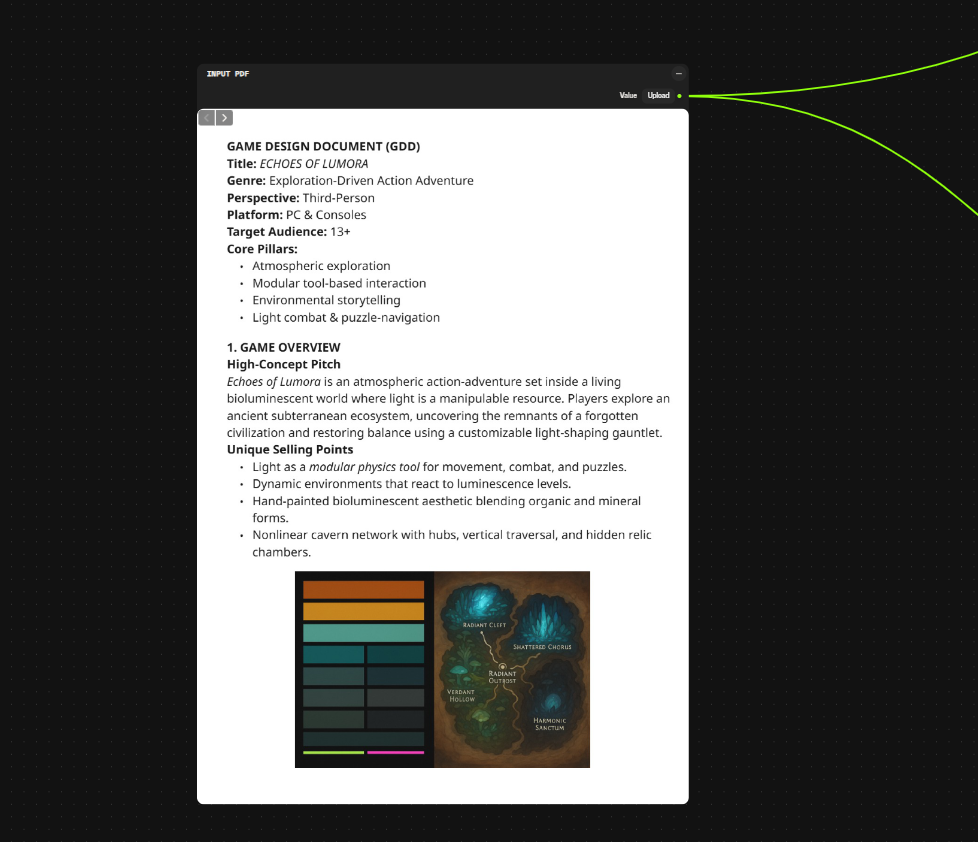
* **Document-driven workflows.** Feed game design documents (GDDs) or art bibles via Input PDF, then extract text and images downstream for use in generation prompts.
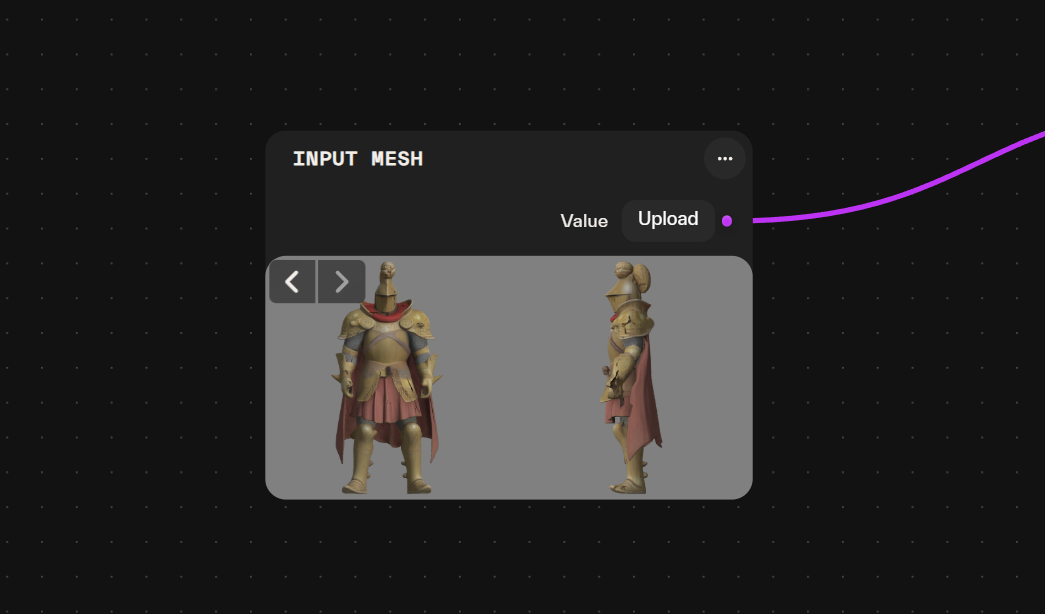
* **3D refinement.** Bring an existing mesh into the workflow via Input Mesh to retopologize, retexture, or rig it without regenerating geometry.
* **Animation and motion.** Use Input Mixamo Animation to bring FBX animation clips for retargeting onto generated characters.
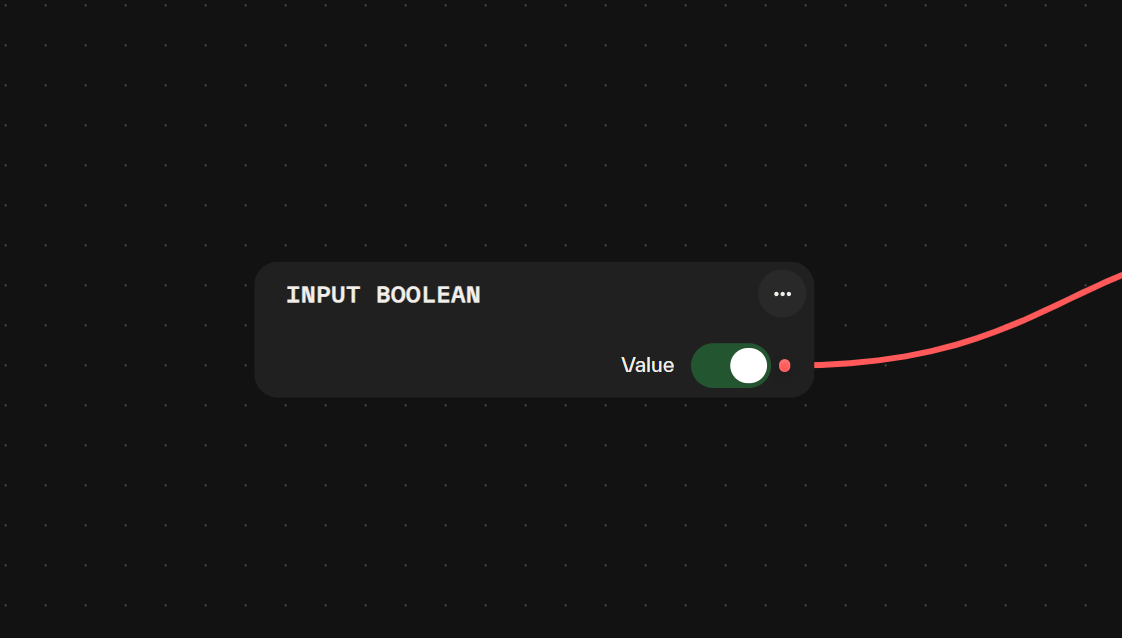
### Input Boolean
* Lets you manually toggle a simple Yes/No (True/False) value.
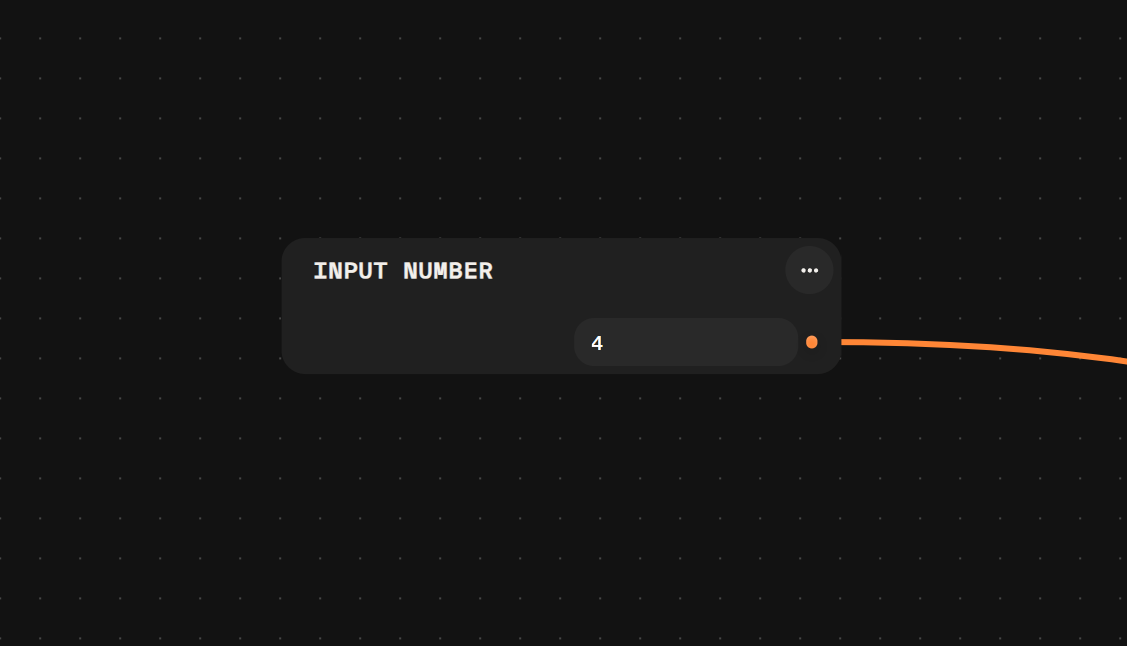
### Input Number
* Provides a way to manually input / control specific numerical values, for example the 'seed' of an AI generation.
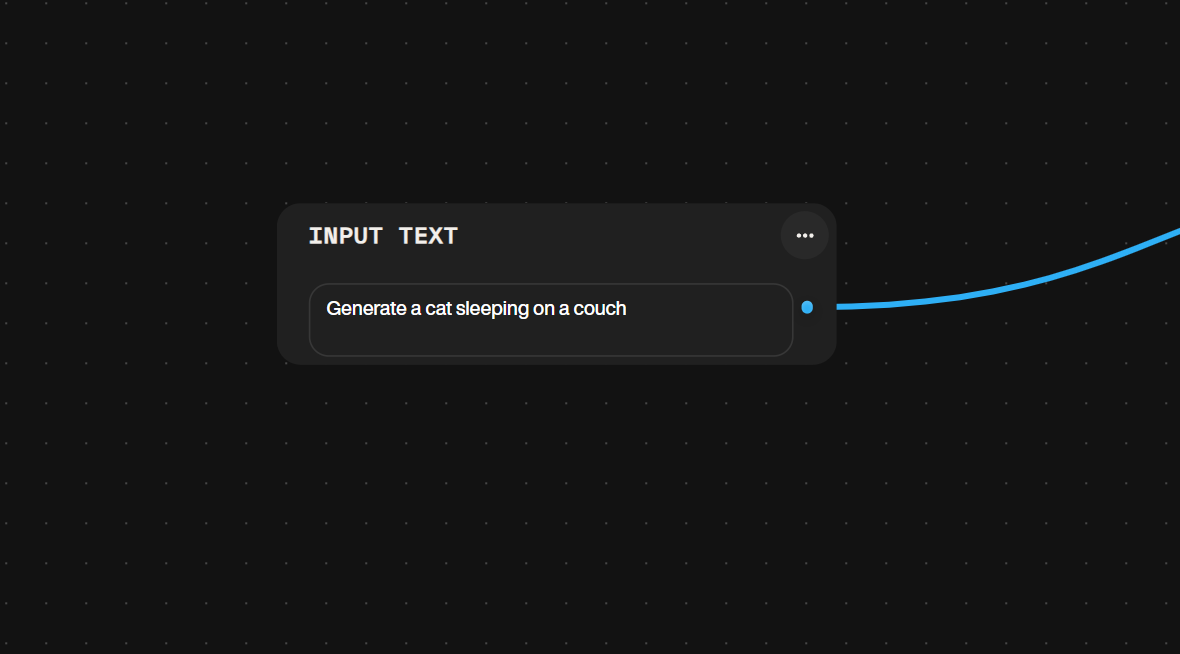
### Input Text
* Allows you to manually enter text strings for use in your graph. Most AI models on the platform have reasoning capabilities and are therefore able to handle extensive and or complex prompts.
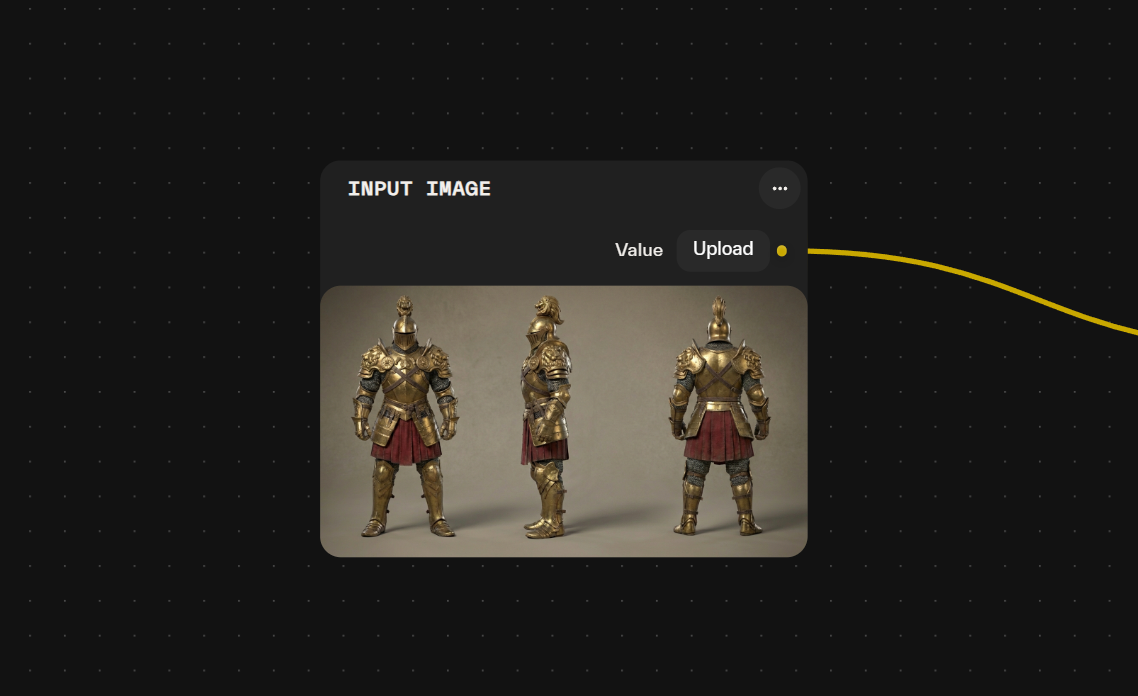
### Input Image
* Used for manually uploading or selecting a single image file from your device.
### Input Images
* Allows for manual uploading and management of a collection of multiple images treated as a list.
### Input Mesh
* Enables the manual upload or selection of 3D model (mesh) files in GLB format.
### Input PDF
* Provides a field to upload and process PDF documents.
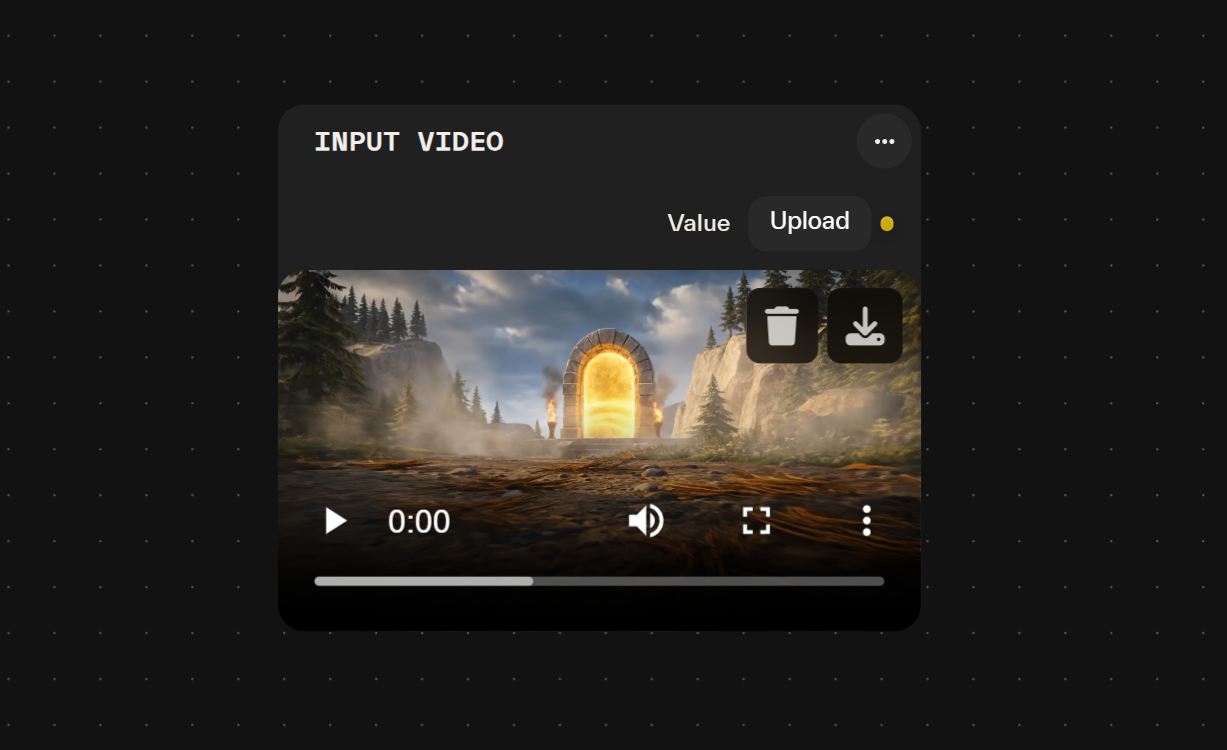
### Input Video
* Allows you to upload or select video files from your computer to add to your pipeline.
### Input Audio
Supplies audio files into Atlas workflows for processing, analysis, or transformation. Accepts standard audio formats and passes the file to downstream nodes that support audio input.
* Upload field accepts common audio formats (MP3, WAV, OGG, FLAC).
* Output provides the audio file reference for connection to audio-processing or transcription nodes.
* File size and duration limits depend on the backend receiving the audio.
* Retains original audio properties (sample rate, channels, bit depth) unless modified by downstream processing.
* Useful for providing voice-over recordings, background music stems, or sound effect samples for analysis, transcription, or AI-driven remixing in game audio pipelines.
### Input PDFs
Passes one or more PDF documents into the workflow for downstream text and image extraction.
* **Multiple file inputs.** Accepts several PDF files simultaneously within a single node.
* **Document source.** Brings external documents such as game design documents (GDDs), art bibles, or lore references into the graph.
* **Downstream extraction.** Feeds connected nodes that pull text or embedded images from the supplied PDFs.
* **Batch handling.** Groups related documents together so they can be processed in one pass.
* **Output.** Provides the loaded PDF collection for use by extraction and generation nodes.
Useful for: driving prompts and asset generation from written design references, extracting narrative or lore text for NPC dialogue, and consolidating multiple documents into a single workflow input.
### Input EXR
Supplies an EXR image file into a workflow for use by downstream nodes. EXR files carry high dynamic range and multi-channel data, making them suited to lighting references, HDR environments, and layered render passes.
* **Input:** an EXR file loaded into the node.
* **Output:** the EXR image data passed to connected nodes.
* **High dynamic range.** Preserves floating-point pixel values beyond the standard 0–1 range for accurate lighting and exposure information.
* **Multi-channel support.** Carries additional channels such as depth or auxiliary render passes where present.
* **Typical use.** Feed HDR environment maps or lighting references into generation and compositing nodes.
Useful for: driving scene lighting, environment backdrops, and high-fidelity reference imagery for game asset generation.
### Input USDZ
Supplies a USDZ file into a workflow, making 3D scene and model data available to downstream nodes.
* **Input:** A USDZ file supplied to the workflow.
* **Output:** The USDZ asset passed to connected downstream nodes.
* **Format handling.** Accepts USDZ packages containing geometry, materials, and scene structure.
* **Refinement pipelines.** Feed existing 3D assets into the graph for retexturing, conversion, or inspection without regenerating geometry.
* **Asset reuse.** Bring authored props, characters, or environment pieces into a workflow to drive variation or further processing.
Useful for: importing prebuilt 3D assets into workflows for game environment and prop pipelines.
### Input Mixamo Animation
Supplies a downloaded animation clip into the workflow for retargeting onto generated or imported characters.
* **Input.** Accepts an FBX animation file sourced from a Mixamo download.
* **Output.** Passes the animation clip downstream to rigging and retargeting nodes.
* **Skeleton-driven motion.** Provides the joint hierarchy and keyframe data needed to drive a target rig.
* **Reusable clips.** Bring in walk cycles, idles, attacks, or gestures without authoring motion inside the graph.
* **Typical use.** Pair with a generated character mesh and a retargeting node to apply prebuilt motion to new assets.
Useful for: prototyping NPC locomotion, populating cutscenes with prebuilt gestures, and applying stock animation clips across multiple generated characters.
### Input Meshes
Brings multiple mesh files into a workflow in a single node, complementing the single-mesh Input Mesh node for batch operations.
* **Multi-file input.** Accepts several mesh files at once, exposing them as a collection to downstream nodes.
* **Batch processing.** Passes the imported meshes into operations such as retopology, retexturing, or rigging without processing each file through a separate node.
* **Output.** Emits a set of meshes for consumption by nodes that iterate over or combine geometry.
* **Asset variation.** Loads sets of environment props, character parts, or modular kit pieces together for consistent treatment across a workflow.
Useful for: importing collections of existing 3D assets to retexture, refine, or prepare variant sets for in-game use.
### Input Scene
Brings a full scene into a workflow for downstream processing, passing complete scene data to connected nodes rather than a single asset.
* **Output.** A scene reference that downstream nodes consume for layout, geometry, and asset composition operations.
* **Scene-level payload.** Carries an entire scene rather than an isolated mesh, image, or value.
* **Downstream compatibility.** Feeds nodes that operate on full scenes, such as arrangement, export, or batch transformation steps.
* **Typical use.** Import a prebuilt level or environment scene to iterate on placement and dressing without rebuilding it in the graph.
Useful for: staging environment scenes for cutscene setups, prototyping level layouts, and preparing assembled scenes for asset variation passes.
## Common pitfalls
* **Uploading an unsupported file format.** Each input type accepts specific formats: Input Mesh expects GLB, Input Mixamo Animation expects FBX skeletal animation data, Input Audio accepts MP3, WAV, OGG, and FLAC, Input EXR expects EXR files, and Input USDZ expects USDZ packages. Mismatched formats produce silent failures in downstream nodes rather than an upload error.
* **Hard-coding values that callers need to vary.** When a workflow is exported as an API, constants set inside Input Text, Input Number, or other input nodes become unchangeable at execution time. Expose each variable value through its own input node so it can be replaced by the corresponding API Input node.
* **Chaining single Input Image nodes for multi-image inputs.** Multi-view 3D generation and batch processing nodes expect an array. Use Input Images, or build an array via Create Image List in [Utility Nodes](/atlas-ai-studio-overview/node-index/utility-nodes.md), instead of wiring several Input Image nodes together.
* **Confusing Input PDF with Input PDFs.** Input PDF processes one document; Input PDFs accepts several files at once for batch text and image extraction. Using Input PDF when consolidating multiple design references processes only a single document.
## Related nodes
* [Utility Nodes](/atlas-ai-studio-overview/node-index/utility-nodes.md) — array management, text processing, and document extraction. Use these to transform inputs, including PDF text and image extraction, before feeding generation nodes.
* [Image Nodes](/atlas-ai-studio-overview/node-index/image-nodes.md) — generation and editing nodes that consume Input Image, Input Images, or Input EXR.
* [Mesh Nodes](/atlas-ai-studio-overview/node-index/mesh-nodes.md) — 3D generation and processing nodes that consume Input Image for image-to-3D, or Input Mesh and Input USDZ for refinement and reuse of existing assets.
* [Video Nodes](/atlas-ai-studio-overview/node-index/video-nodes.md) — video generation and processing nodes that pair with Input Video.
* [API Nodes](/atlas-ai-studio-overview/node-index/api-nodes.md) — the external form of input nodes. Replace Input nodes with API Input nodes when preparing a workflow for external execution.
## Frequently asked questions
**What is the difference between Input Image and Input Images?**
Input Image accepts a single image file selected or uploaded from your device. Input Images accepts a collection (array) of multiple images treated as a list. Use Input Images when feeding multi-view 3D nodes, batch processors, or comparison workflows.
**Which 3D file formats can I upload?**
Input Mesh accepts 3D model files in GLB format. Input USDZ accepts USDZ packages containing geometry, materials, and scene structure. Convert other formats to a supported format before uploading if the node you are targeting does not accept them.
**Can I upload videos directly?**
Yes, via the Input Video node, which uploads or selects video files from your computer. Standard video formats are supported. For a text to video AI node and other generation-side capabilities, see [Video Nodes](/atlas-ai-studio-overview/node-index/video-nodes.md).
**Can I upload audio files?**
Yes. Input Audio accepts common audio formats including MP3, WAV, OGG, and FLAC, and passes the file reference to downstream audio-processing or transcription nodes. It retains original audio properties such as sample rate, channels, and bit depth unless modified by downstream processing. Use it to supply voice-over recordings, music stems, or sound effects for analysis, transcription, or lipsync generation in game audio pipelines.
**How do I supply high dynamic range or multi-channel images?**
Use Input EXR. EXR files carry high dynamic range and multi-channel data, preserving floating-point pixel values beyond the standard 0–1 range and additional channels such as depth or auxiliary render passes where present. Feed HDR environment maps or lighting references into generation and compositing nodes.
**How do I bring existing 3D scenes into a workflow?**
Use Input USDZ to supply a USDZ package containing geometry, materials, and scene structure to downstream nodes. This allows you to reuse authored props, characters, or environment pieces for retexturing, conversion, or inspection without regenerating geometry.
**How do I process multiple documents at once?**
Use Input PDFs to pass several PDF files simultaneously within a single node for downstream text and image extraction. It brings external documents such as game design documents, art bibles, or lore references into the graph and groups them for processing in one pass. Use Input PDF when working with a single document.
**How do I expose input values as parameters when exporting a workflow as an API?**
Replace each Input node with the corresponding API Input node before exporting. For example, Input Text becomes API Input Text. API Input nodes let external callers send values into the workflow at execution time. See [API Nodes](/atlas-ai-studio-overview/node-index/api-nodes.md) for the full export process.
**Can I fetch Mixamo animations directly from the Mixamo platform?**
No. The Input Mixamo Animation node accepts FBX files containing skeletal animation data exported from Mixamo's web platform; it does not fetch animations directly. Download from Mixamo first, then upload. It preserves keyframe timing, bone hierarchy, and motion curves for retargeting, blending, or character rigging nodes.
**What is the file size limit for inputs?**
File size and duration limits depend on the backend receiving the input and the downstream node consuming it. If an upload fails, a common cause is file size; reduce resolution or polycount upstream before retrying.
---
# Agent Instructions
This documentation is published with GitBook. GitBook is the documentation platform designed so that both humans and AI agents can read, navigate, and reason over technical content effectively. Learn more at gitbook.com.
## Querying This Documentation
If you need additional information that is not directly available in this page, you can query the documentation by asking a question.
Perform an HTTP GET request on the following URL with the `ask` and `goal` query parameters:
```
GET https://docs.atlas.design/atlas-ai-studio-overview/node-index/input-nodes.md?ask=&goal=
```
`ask` is the immediate question: it should be specific, self-contained, and written in natural language.
`goal` is what the user is ultimately trying to achieve, the reason they need the answer. Sharing it helps GitBook give you a better, more relevant answer. A goal is most helpful when it describes the outcome the user wants rather than restating the question. For example, with `ask=how do I create an API token`, a goal like `automate deployments from our CI pipeline` lets GitBook tailor the answer to that use case.
The response will contain a direct answer to the question and relevant excerpts and sources from the documentation.
Use this mechanism when the answer is not explicitly present in the current page, you need clarification or additional context, or you want to retrieve related documentation sections.